Shoot Your Shot (Properly): How to Photograph Your Work
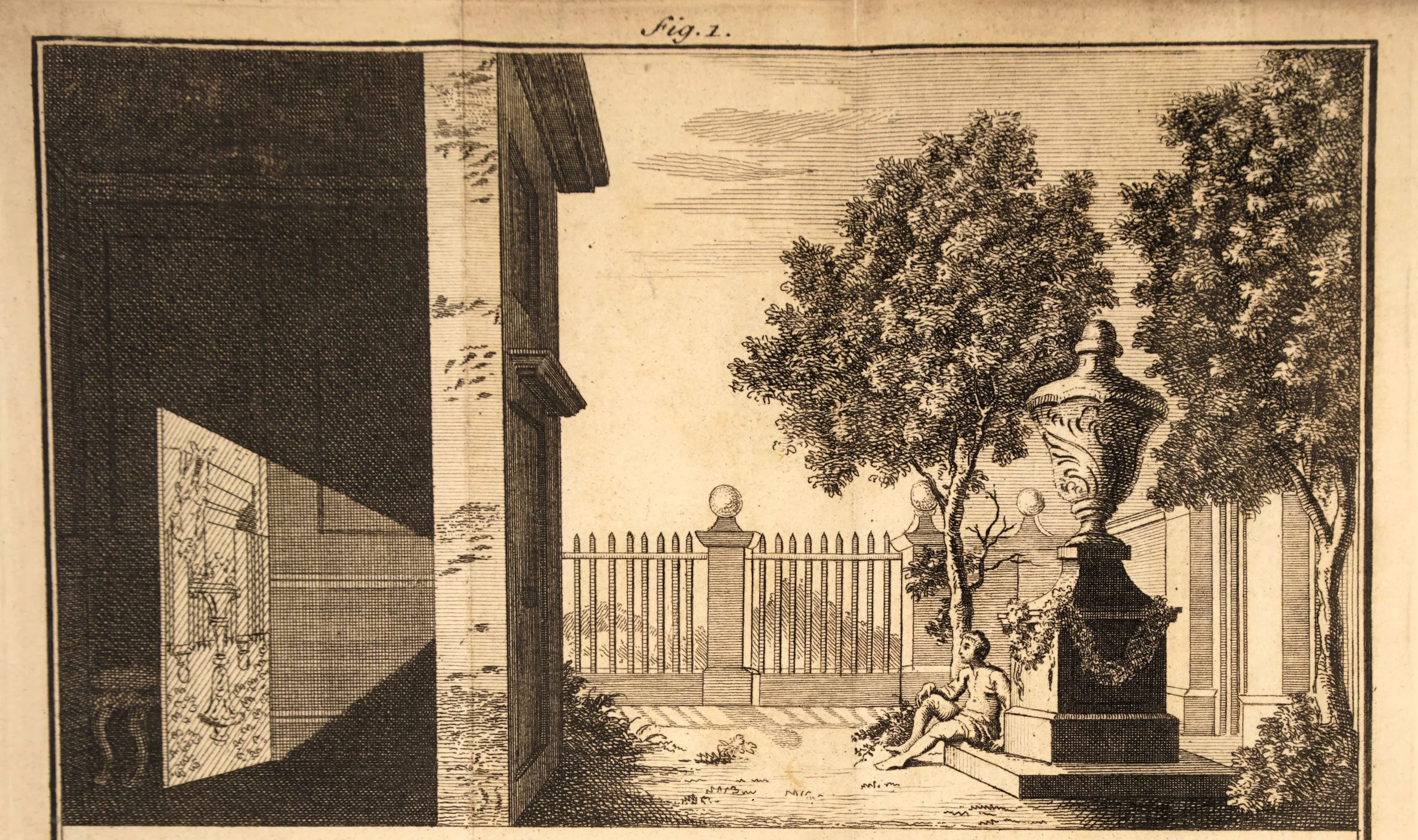
Illustration of the camera obscura principle from James Ayscough's A short account of the eye and nature of vision (1755 fourth edition)
We are artists, visual people attuned to light, colour, and composition. We photograph beautiful things all the time, and many of us are even influenced by the images we take. So why, when it comes to photographing our own work, is it so hard? The image is slightly crooked, the lighting feels off, the colours don’t quite match, and somehow it fails to capture what’s right in front of us. Photographing artwork isn’t quite the same as seeing it. It’s a little more technical. To help avoid these common pitfalls, here is a short, sharp guide: what to do, what to avoid, and what to check along the way.
1. Lighting (this matters most)
Use natural daylight where possible (near a window is ideal)
Choose soft, indirect light (early morning / late afternoon / overcast days)
Keep lighting even across the artwork
Avoid shadows, glare, and reflections
Avoid:
Direct sunlight (creates harsh contrast)
Warm indoor lighting (distorts colours)
Mixed light sources
2. Positioning Your Artwork
Hang or place the artwork straight (not tilted)
Ensure the camera is directly parallel to the artwork
Fill the frame evenly with the piece
3. Camera Setup (Phone or Camera)
Use the highest resolution setting
Turn on gridlines to keep everything straight
Keep the camera steady (tripod if possible)
Shoot straight-on, not at an angle
Avoid:
Using flash
Tilting the camera
Standing too close (causes distortion)
4. Colour Accuracy
Compare the photo to the real artwork
Adjust white balance if needed
Slightly edit brightness/contrast to match real life
Avoid:
Heavy filters
Oversaturation
Over-editing
5. Background & Presentation
Use a clean, neutral background
Remove distractions (no clutter, wires, objects)
Ensure edges of the artwork are visible and clean
Tip: Add dark fabric underneath or behind the artwork (avoids colour reflection)
6. Special case: glass
If framed: remove glass if possible
If not: angle slightly or use filter to reduce glare
7. Take Multiple Shots
Full image (straight-on)
Close-up details (texture, brushwork)
Optional: context shot (in a space, styled)
8. Final Check Before Submitting
Is the image sharp?
Is it straight (no leaning edges)?
Are colours accurate?
Is there any glare or reflection?
Is the file high resolution?